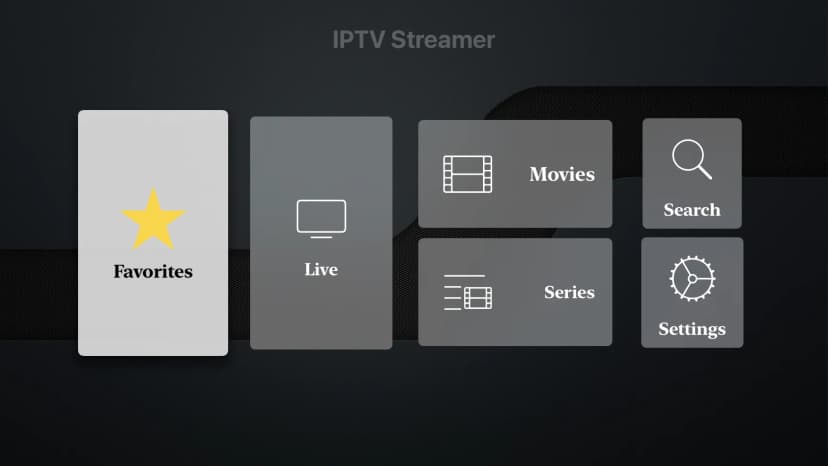
Buffering is the enemy of a great IPTV experience. In this guide, we'll walk you through the most common reasons why your stream is stuttering and exactly how you can fix it.
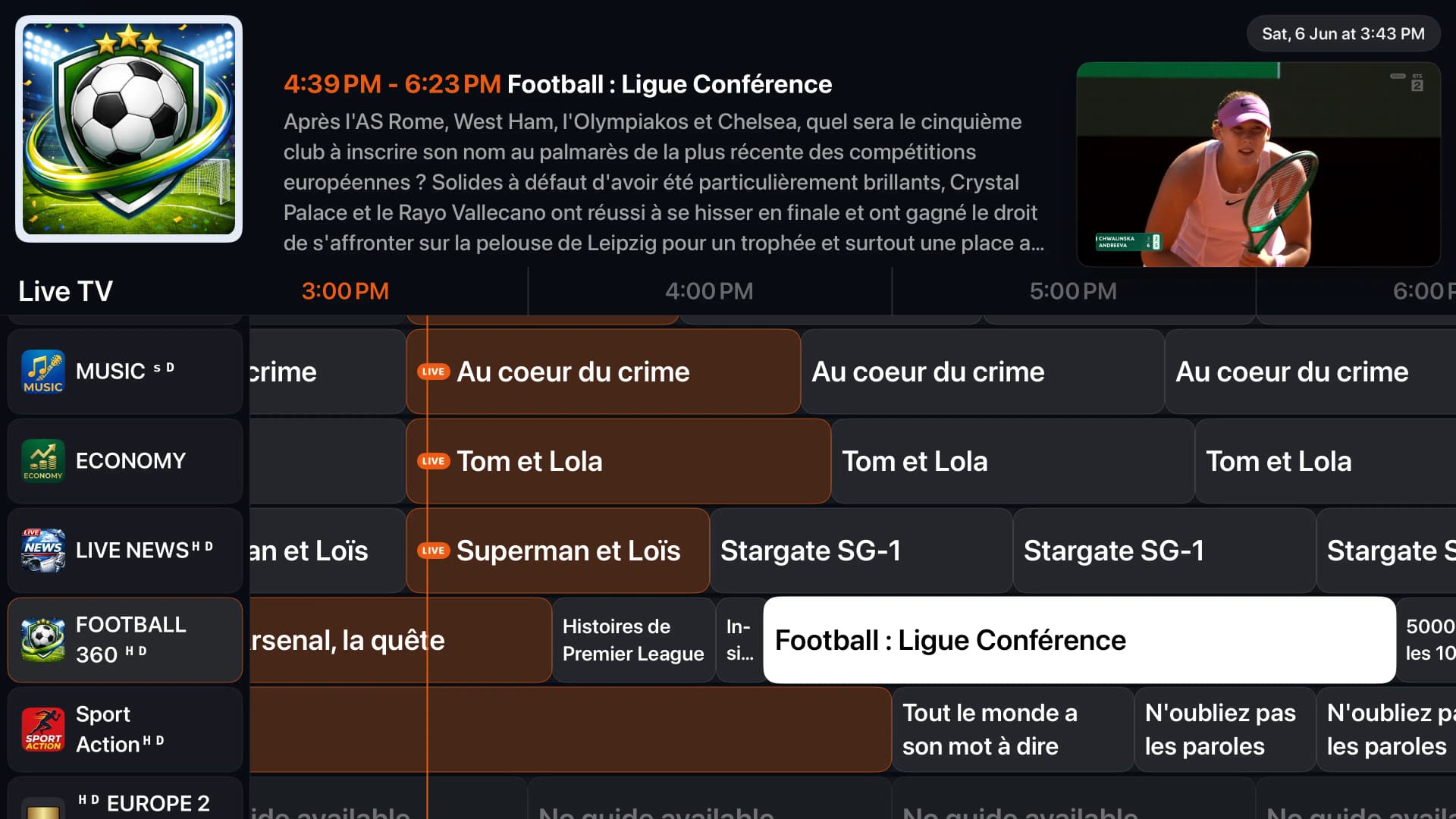
1. Internet Connection Speed
The most common culprit is a slow or unstable internet connection. Ensure you have at least 30 Mbps for 1080p streaming and 50 Mbps for 4K. Use a wired ethernet connection instead of Wi-Fi if possible.
2. ISP Throttling
Some Internet Service Providers throttle IPTV traffic. If your connection is fast but you still experience buffering, using a reputable VPN can encrypt your traffic and prevent ISP throttling.
3. Choose the Right Player
Using a highly optimized player makes a huge difference. 1IPTV features advanced adaptive bitrate technology and hardware decoding to ensure the smoothest playback possible.
Why 1IPTV Reduces Buffering
| Feature | 1IPTV | Standard Players |
|---|---|---|
| Hardware Acceleration | Advanced (Metal/OpenGL/ExoPlayer) | Basic Software Decoding |
| Buffer Size Control | Auto-adjusts dynamically | Static (often too small) |
| Network Handling | Auto-reconnect & Retries | Fails completely on drop |
| Format Support | HLS, MPEG-TS, DASH | MPEG-TS only |
What Our Users Say
"I used to have constant buffering, but since switching to 1IPTV it plays flawlessly."
"The adaptive bitrate engine is magic. Best IPTV player by far."
"Finally I can watch live sports without it stopping every 2 minutes."
More Premium Features
Hardware Decoding
Utilizes your device's hardware for buttery smooth playback.
Adaptive Bitrate
Automatically adjusts quality to match your network speed.
Smart Reconnect
Instantly recovers from dropped connections seamlessly.
Tired of Buffering?
Switch to 1IPTV and enjoy the most stable playback engine available.
Get Premium Now