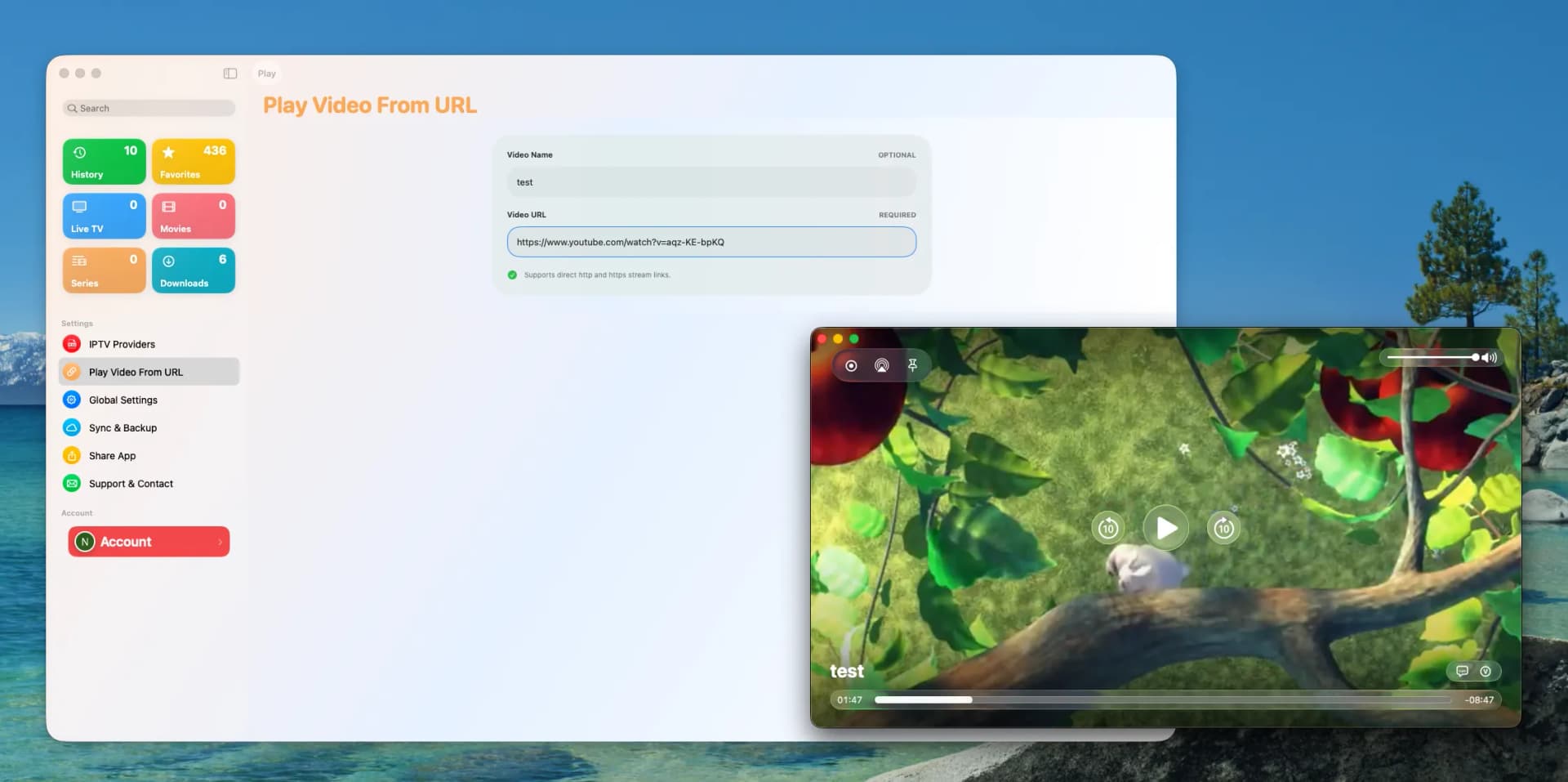
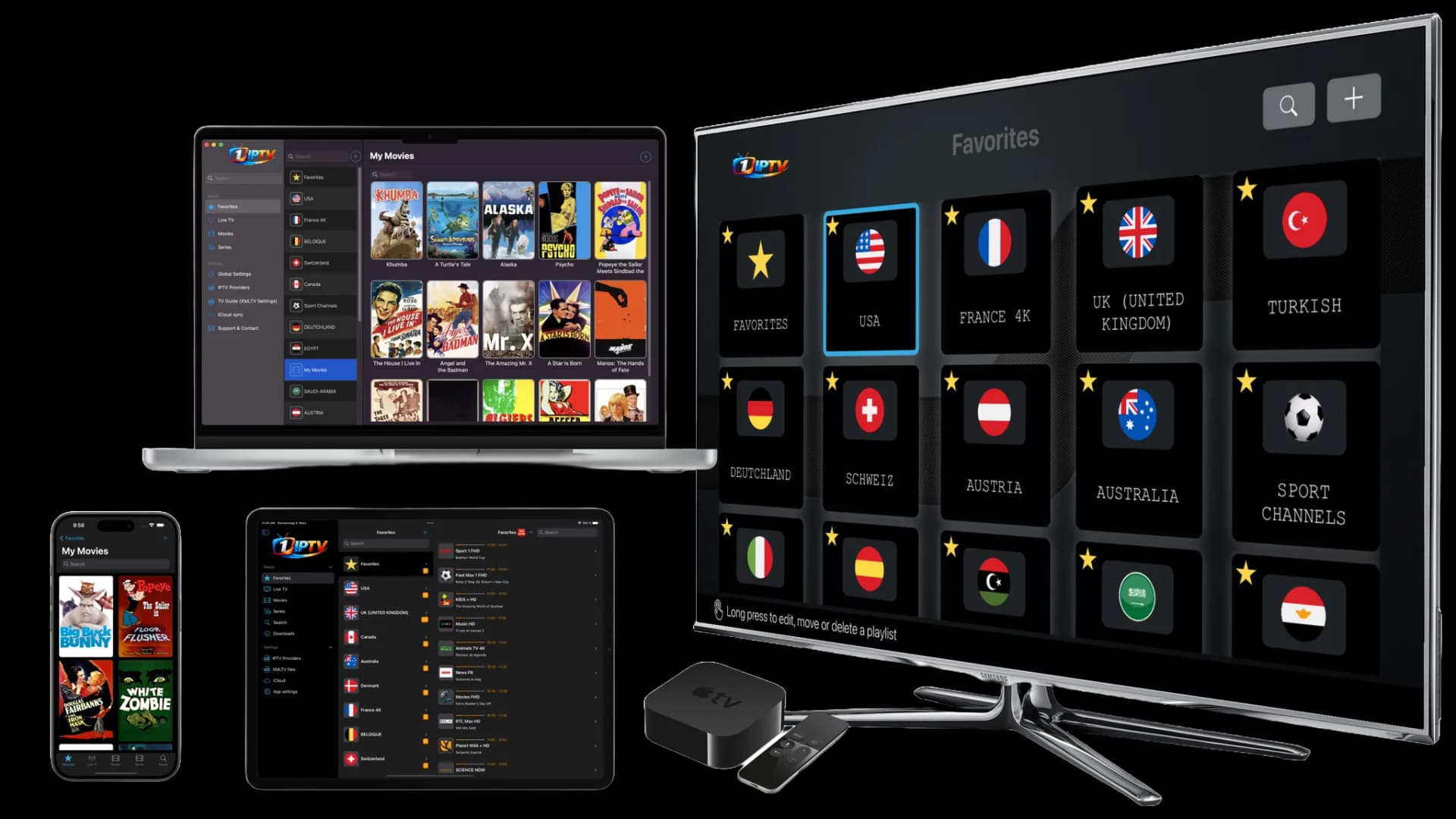
Setting up IPTV on your devices doesn't have to be complicated. Whether you use a Smart TV, Apple TV, Firestick, or mobile device, 1IPTV provides a seamless setup process that gets your streams running in under 2 minutes.
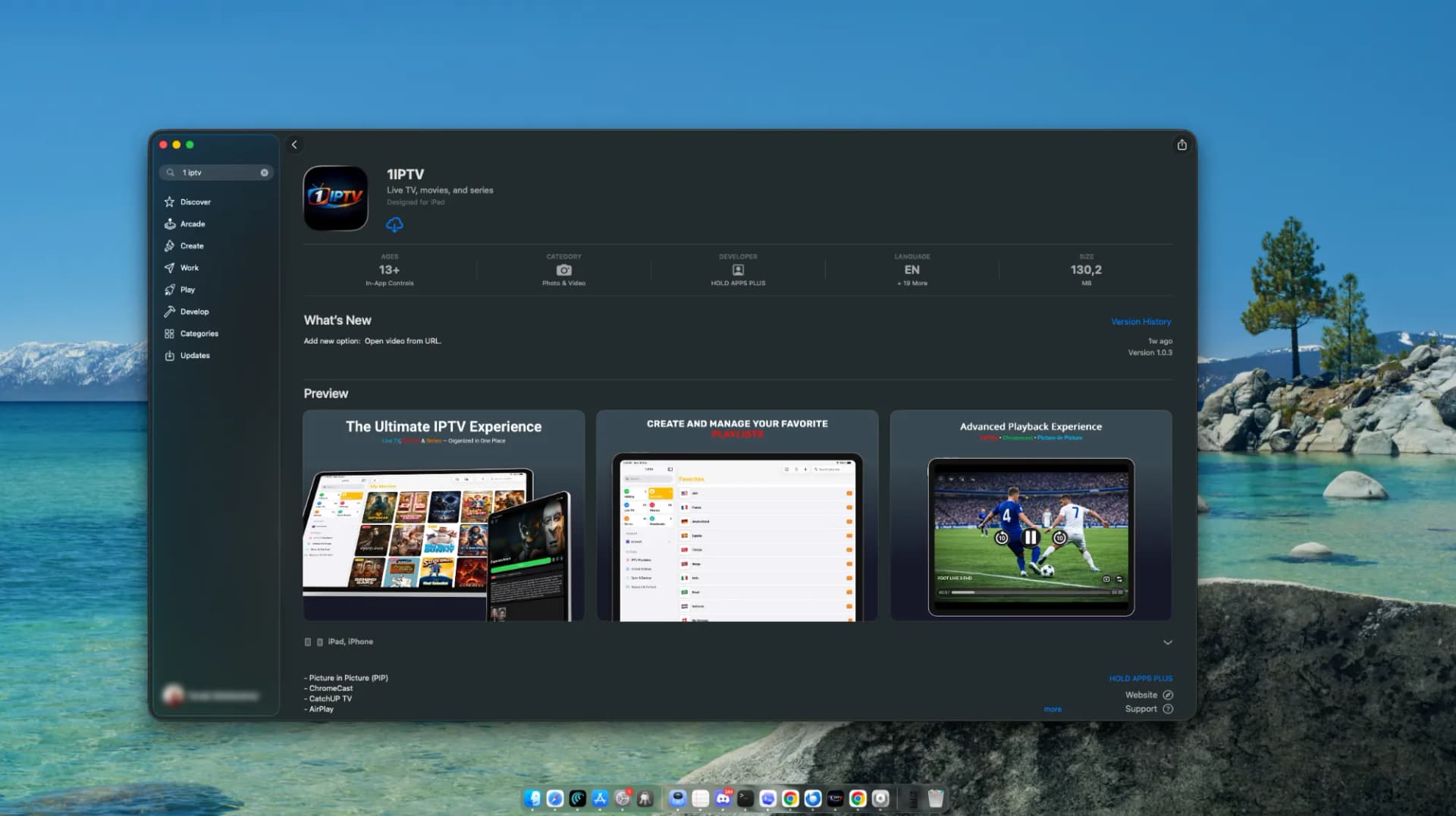
Step 1: Download & Install 1IPTV
Search for 1IPTV on your device's official app store (Apple App Store, Google Play Store, or Amazon Appstore) and install the free app.
Step 2: Add Your M3U Playlist or Xtream Codes
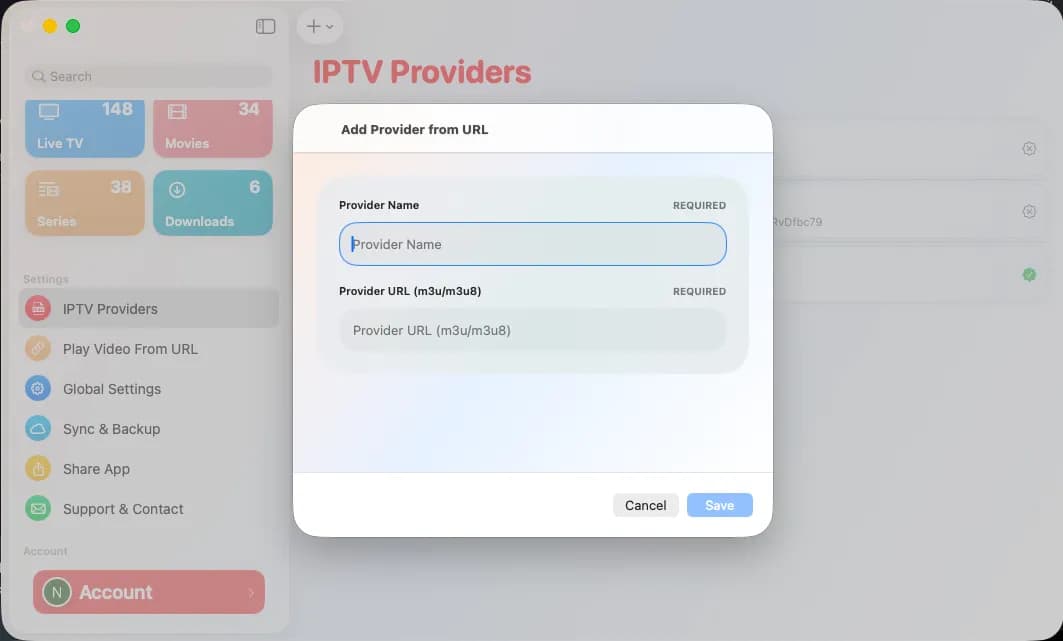
Launch 1IPTV, tap 'Add Playlist', and enter your playlist URL or Xtream Codes credentials (username, password, server URL). Your channels and EPG will auto-load instantly.
Step 3: Enjoy Seamless Streaming
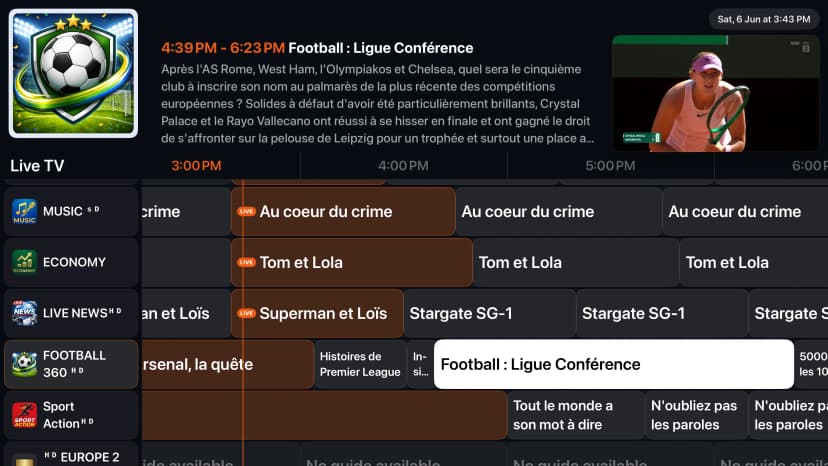
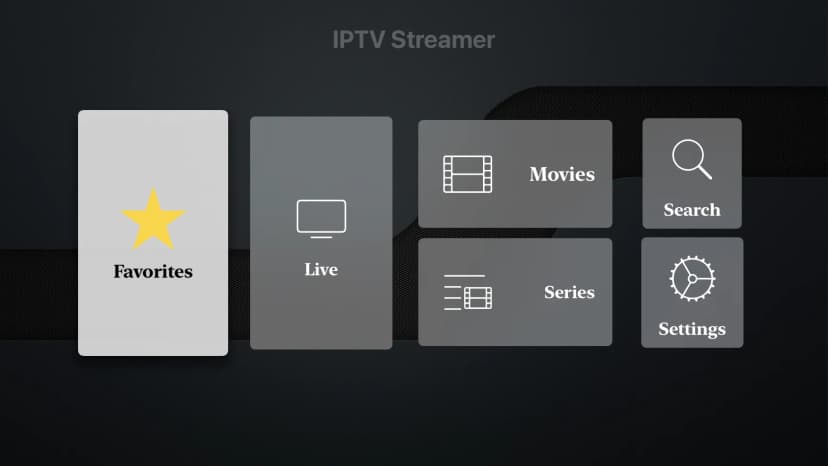
Browse live TV, EPG schedules, movies, and series with instant search, cloud sync across all your devices, and parent-friendly controls.