macOS holds 15.7% of the global desktop market, yet nearly every "best IPTV player" roundup is written for Windows or Android. Mac users end up with advice that doesn't fit: recommended apps that aren't on the App Store, or generic media players that open M3U files but miss every feature that makes IPTV usable. We installed and tested six IPTV players on macOS Sequoia (M-series MacBook Pro) and macOS Ventura (Intel iMac). Here's the honest ranking.
Key Takeaways
- macOS holds 15.7% of the global desktop market — over 100 million active Mac users deserve a proper IPTV solution.
- Only one IPTV player for Mac combines native Apple Silicon support, Xtream Codes, cloud sync, and a full EPG.
- VLC and IINA open M3U streams but have no EPG, no Xtream Codes, and no favorites — they are not dedicated IPTV players.
- M-series Macs decode 4K HDR streams natively, delivering quiet fans and excellent battery life when using native software.
What Makes a Great IPTV Player for Mac?
Three features separate a proper Mac IPTV player from a repurposed media player: a working EPG, Xtream Codes authentication, and native Apple Silicon support. Without all three, you're getting a video player that opens URLs — not a dedicated IPTV experience.
EPG (Electronic Program Guide)
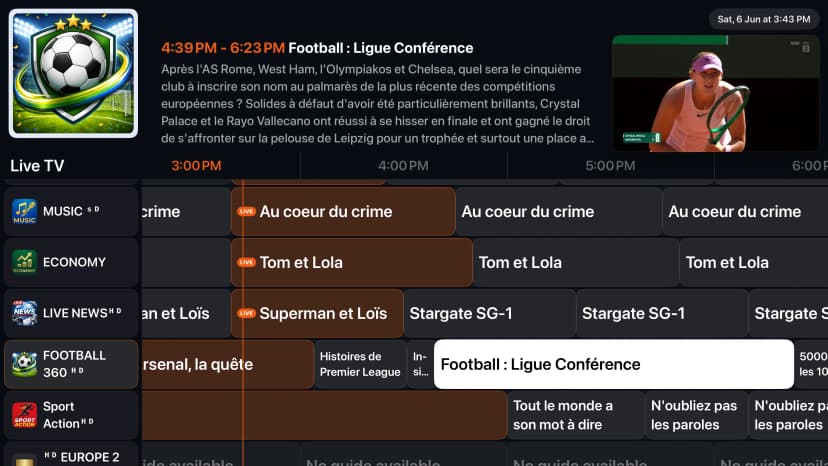
EPG displays what's on now and next across your channels, making IPTV feel like television rather than a folder browser.
Xtream Codes API Support
Allows connecting with a server URL, username, and password. Apps that only accept M3U force you to copy-paste long URLs that change regularly.
Native Apple Silicon Support
Apps compiled natively for M1/M2/M3/M4 run leaner, keep fans quieter, and deliver better battery life on MacBooks compared to Intel translation (Rosetta 2).
Cloud Sync
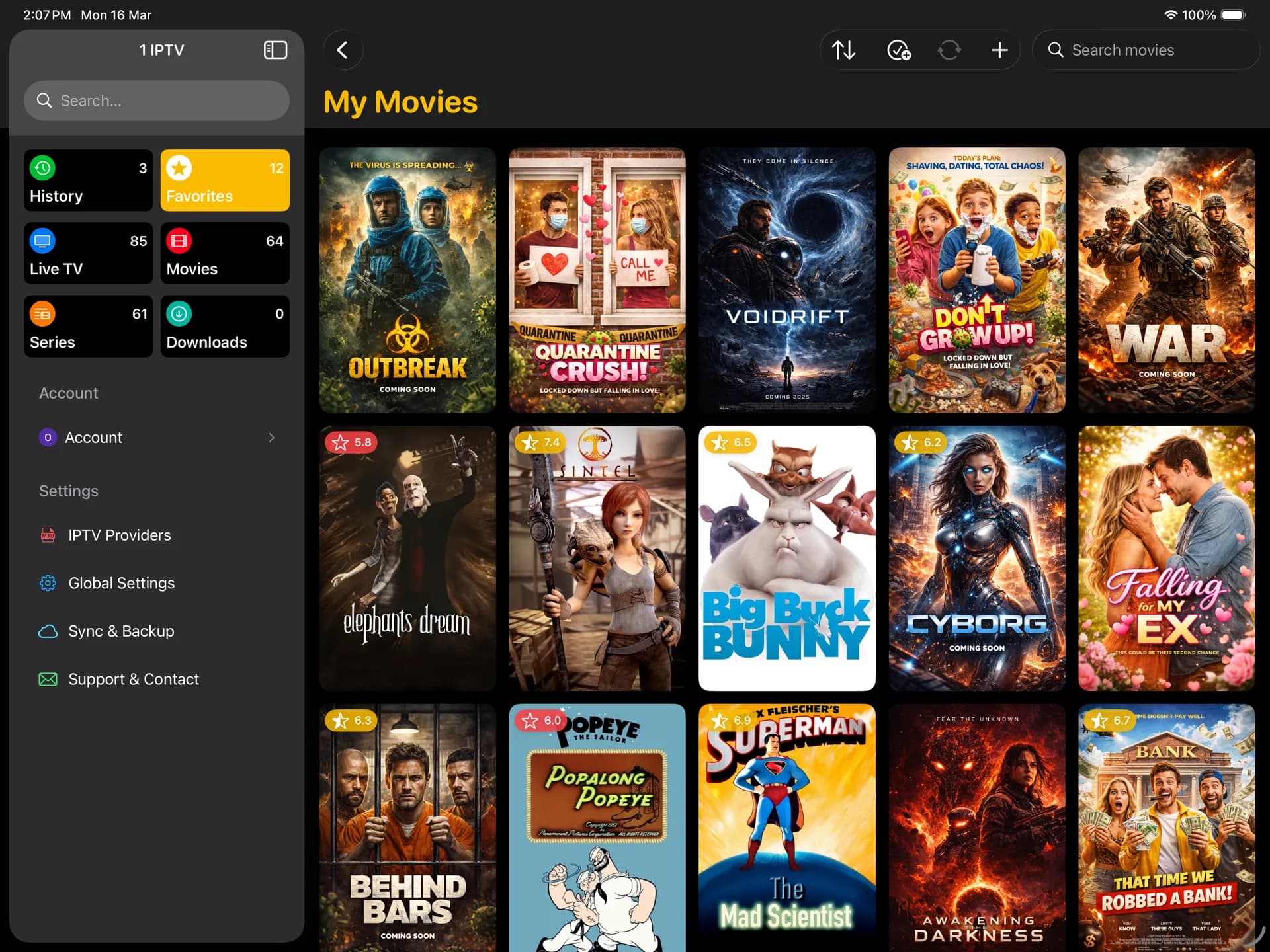
Real-time sync keeps your favorites, playlist settings, and watch history consistent across your phone, tablet, computer, and Smart TV.
The 6 Best IPTV Players for Mac in 2026
With the global IPTV market growing rapidly, Mac users represent a significant and underserved slice of the streaming world. Here is how the six main options stack up on macOS Sequoia and Ventura.
1. 1IPTV — Best Overall IPTV Player for Mac
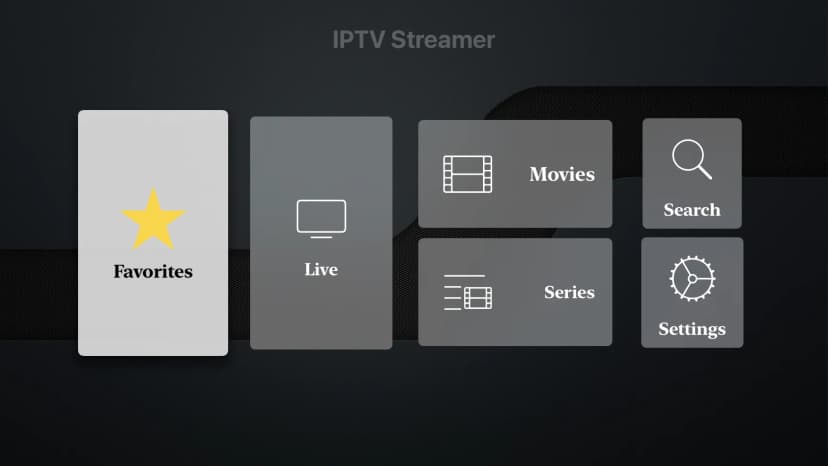
1IPTV is the only player designed from the ground up for all major systems, offering a native Apple Silicon app with real-time cloud sync. Playlists, favorites, and history propagate instantly to your iPhone, iPad, Apple TV, and other screens. EPG matching and rich TMDb metadata enrich your channel lists. It supports M3U, Xtream Codes, and Stalker Portals natively with 4K HDR playback.
2. IPTV Smarters Pro — Familiar Interface, iOS App on Mac
IPTV Smarters is a very recognized name. On Mac, it runs as an iOS app through compatibility mode — which means it works, but it's not native. The interface doesn't adapt to large displays, and controls can feel awkward with a mouse. There's no cloud sync and no native Apple Silicon build, but EPG and Xtream Codes are functional.
3. IINA — Best Free Option for M3U-Only Users
IINA is a beautiful, open-source media player built for macOS. It handles M3U playlists smoothly and fits Apple's aesthetic perfectly. However, IINA is a media player, not an IPTV platform. It has no EPG, no Xtream Codes, no favorites management, and no VOD library. Finding channels in large playlists is tedious.
4. VLC — Universal Fallback (Not a Real IPTV Player)
VLC plays almost any media format and opens M3U playlists, but lacks EPG, Xtream Codes API, favorites, and channel groups. It is a fantastic tool for troubleshooting a stream link, but lacks the basic features for a premium day-to-day TV viewing experience.
5. Infuse — Best for VOD and Local Media (Not Live IPTV)
Infuse is an elegant, premium media player for Apple devices. It is perfect for local libraries, NAS servers, and VOD streaming. However, it does not support live IPTV features like EPG, Xtream Codes, or live channel categories. It's great for movies but not for live TV.
6. Elmedia Player — Polished macOS Player, Basic IPTV
Elmedia is a polished macOS video player. It supports M3U links and looks native, but lacks Xtream Codes, EPG, and cloud sync. It is a solid choice if you only need basic M3U playback in a premium interface, but it's not a complete IPTV platform.
Mac IPTV Player Feature Comparison 2026
| Player | EPG | Xtream Codes | Stalker Portal | Cloud Sync | 4K HDR | Native Apple Silicon |
|---|---|---|---|---|---|---|
| 1IPTV | Yes | Yes | Yes | Yes | Yes | Yes |
| IPTV Smarters | Yes | Yes | No | No | Partial | No |
| IINA | No | No | No | No | Yes | Yes |
| VLC | No | No | No | No | Yes | Yes |
| Infuse | No | No | No | Partial | Yes | Yes |
| Elmedia Player | No | No | No | No | Yes | Yes |
How to Set Up 1IPTV on Your Mac
Getting 1IPTV running on your Mac takes under three minutes. Apple Silicon Macs (M1 through M4) run our native build, and Intel Macs are fully supported too.
Step 1: Download from the App Store
Search for "1IPTV" in the Mac App Store. Install is a single click — no manual files or complex installations.
Step 2: Add your playlist
Open the app and choose to import via M3U URL, Xtream Codes API, Stalker Portal, or a local playlist file.
Step 3: Sign in for cloud sync
Sign in to sync your favorites, playlists, and watch progress automatically across all your devices.
Step 4: Start watching
Browse live channels, movies, and TV shows. Enjoy hardware-accelerated 4K HDR playback and Picture-in-Picture.
Frequently Asked Questions
Is 1IPTV available on Mac?
Yes. 1IPTV is available on the Mac App Store, optimized for Apple Silicon (M1-M4) and Intel Macs. It supports M3U, Xtream Codes, and Stalker Portals, with cloud sync across all platforms.
Does VLC work as an IPTV player on Mac?
VLC can open M3U URLs, but it's not a real IPTV player. It lacks a TV program guide (EPG), Xtream Codes API support, channel groups, and favorites.
Can you watch IPTV on a MacBook?
Yes. M-series MacBooks decode streams (up to 4K HDR) using hardware acceleration, which maintains excellent battery life and runs silently.
What is the best free IPTV player for Mac?
For basic M3U playback, IINA offers a beautiful, free interface. 1IPTV also offers a free tier with core features, which is recommended if you need EPG and Xtream Codes.
Ready for the Best Mac IPTV Experience?
Download 1IPTV from the App Store and enjoy real-time cloud sync, parental controls, and a polished native interface across all your screens.
Get Premium Now