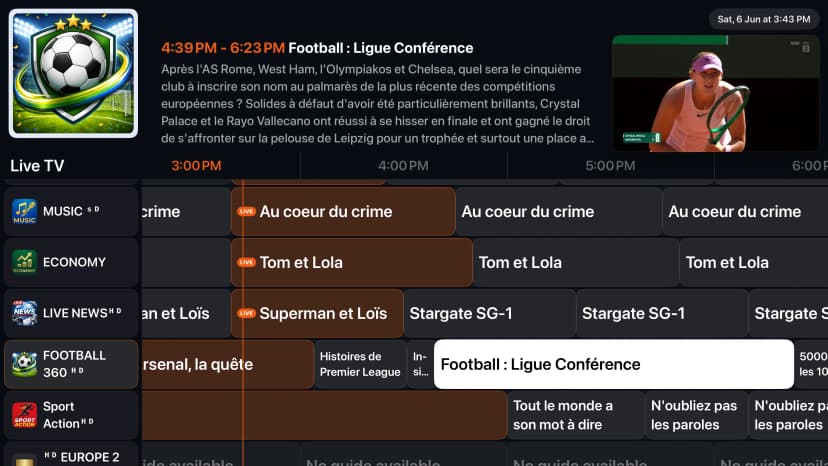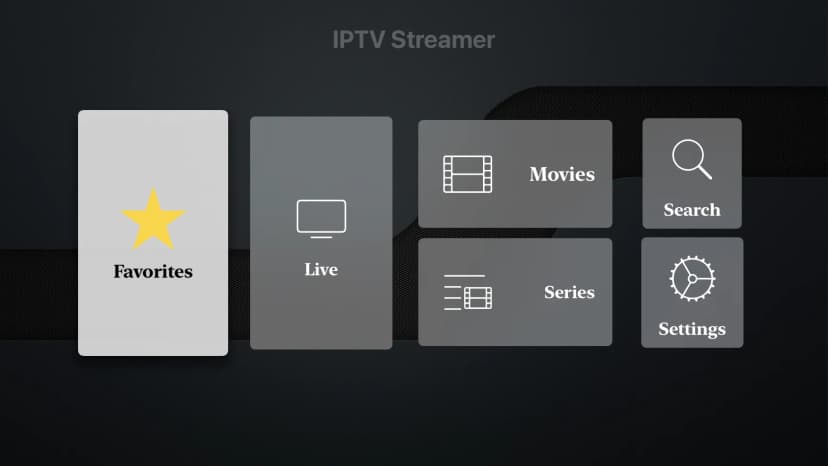
Typing emails and passwords on a smart TV using a remote control is frustrating and slow. That's why 1IPTV features a seamless TV login experience using your mobile phone. If you already have a 1IPTV account, you can sync your subscription and all your playlists to your TV in seconds by just scanning a QR code and logging in via your mobile browser.
1. Open the TV App
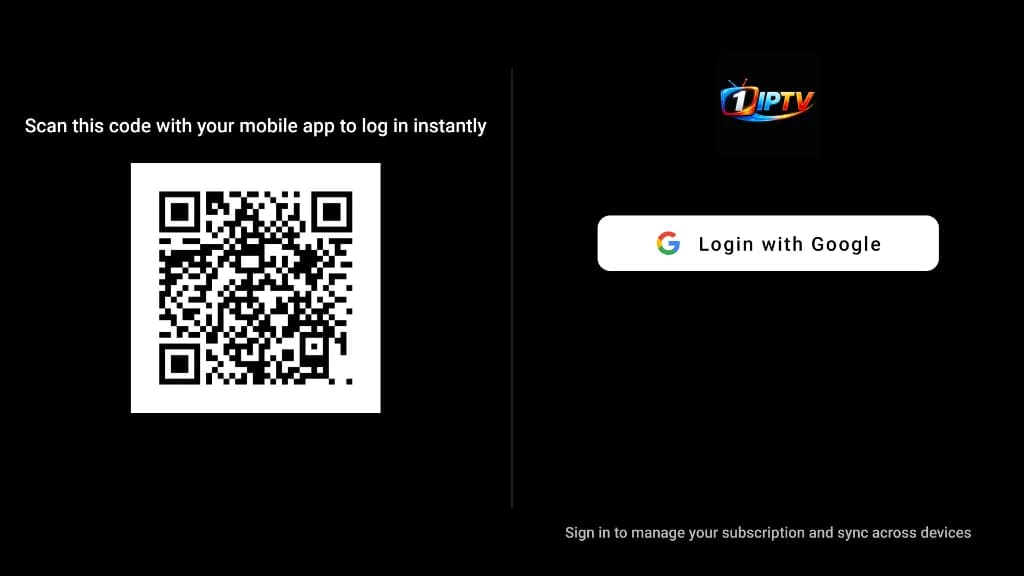
First, download and open the 1IPTV app on your Smart TV (Samsung, LG, Android TV, or Apple TV). Upon launching the app, you will be greeted with a login screen displaying a large QR code alongside an option to 'Login with Google' or Apple.
2. Scan the QR Code
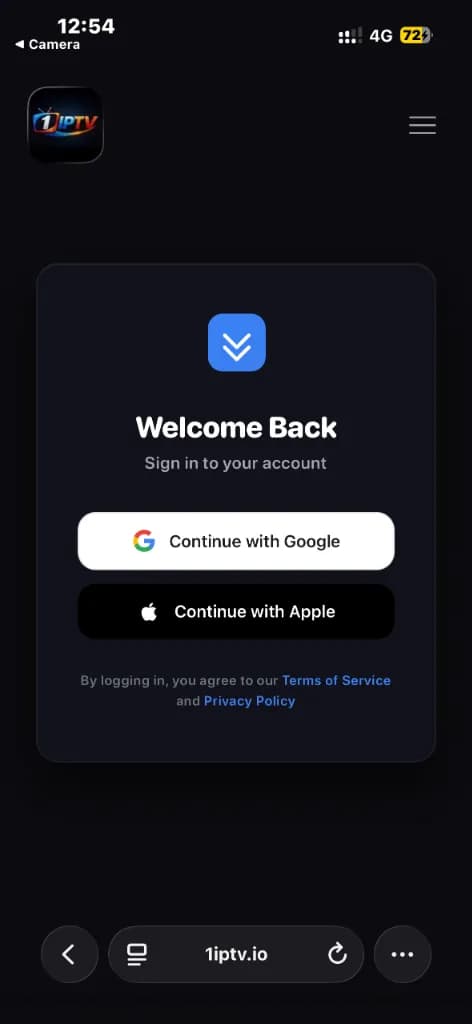
Open the camera on your smartphone. Point your camera at the QR code displayed on your TV screen to open the login link in your mobile browser. Sign in using your Google or Apple account. Important: Make sure to sign in using the exact same account you used to purchase your premium subscription on your mobile device.
3. Connection Successful
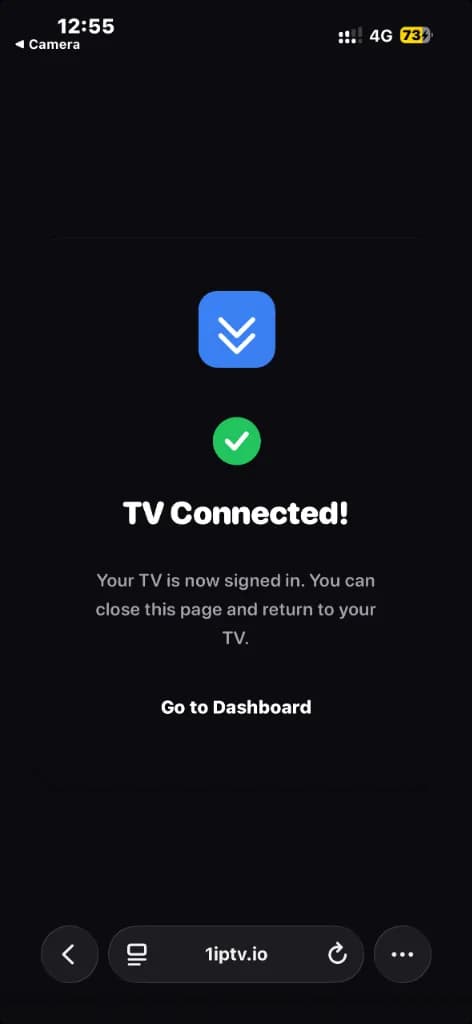
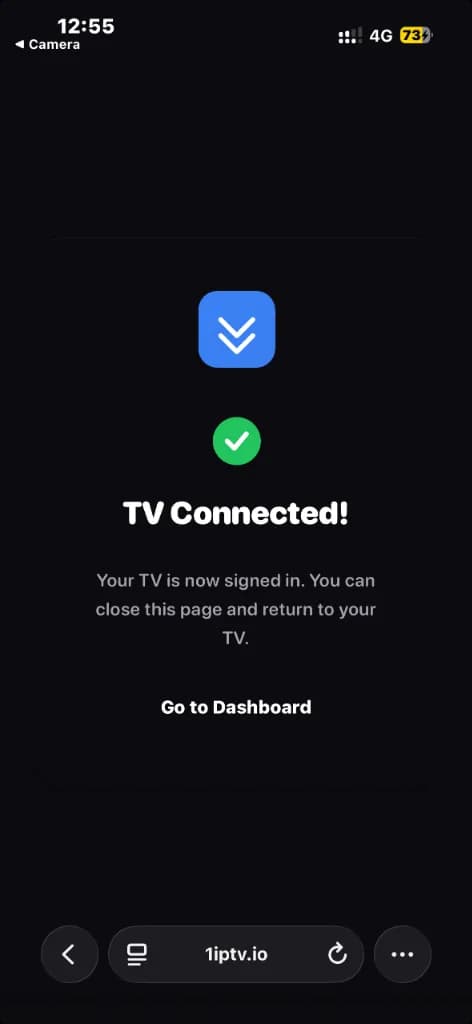
Once signed in, your mobile browser will display a 'TV Connected!' confirmation screen. This means your TV has been successfully authorized and is now linked to your premium subscription.
4. Manage Your Devices
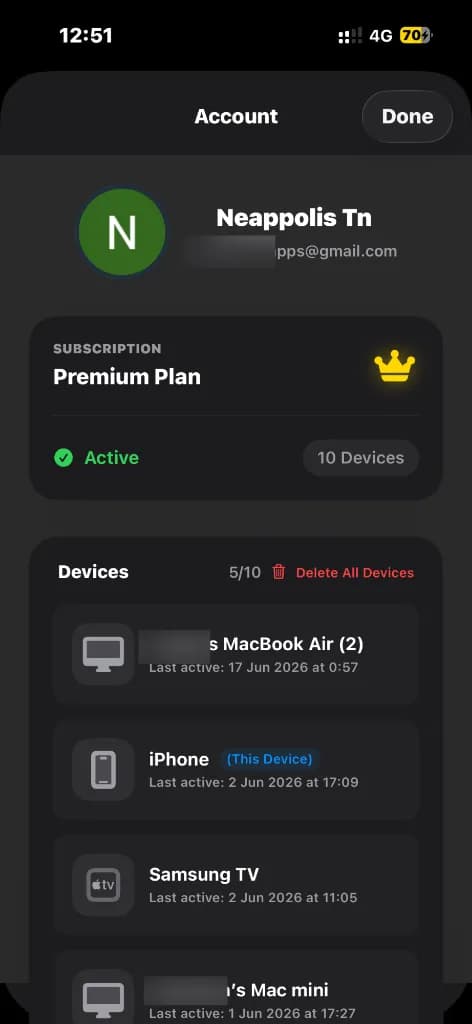
You can manage all your connected devices directly from the 'Account' section in your mobile browser or TV. Under the 'Devices' list, you will see your new TV added to your active connections. 1IPTV Premium allows up to 10 devices simultaneously, so you can easily sync your subscription across all the screens in your household.
Experience Seamless Syncing
Upgrade to 1IPTV Premium to unlock 10 device connections and effortless cross-platform synchronization.
Get Premium Now