IPTV (Internet Protocol Television) delivers live TV channels through the internet instead of traditional cable or satellite. Apple TV owners have access to several IPTV players in the App Store that make watching live content simple — no sideloading required. In this guide, we compare the best IPTV apps for Apple TV and show you how to install 1IPTV, the top-rated player built specifically for tvOS.
Key Takeaways
- Apple TV does not allow sideloading, so all IPTV players must be installed from the official App Store.
- Top Apple TV IPTV players include Chillio, IPTVX, UHF, IPTV Smarters, and 1IPTV.
- 1IPTV is the only tvOS player with real-time cloud sync, native Siri Remote support, and a universal subscription across all Apple devices.
- Setting up 1IPTV on Apple TV takes under two minutes via the App Store or QR-code sync from your phone.
Best IPTV Players for Apple TV
All Apple TV IPTV players are downloaded from the App Store. Each supports M3U playlists or Xtream Codes, but the experience varies significantly in design, performance, and cross-device features.
1. 1IPTV — Best IPTV Player for Apple TV
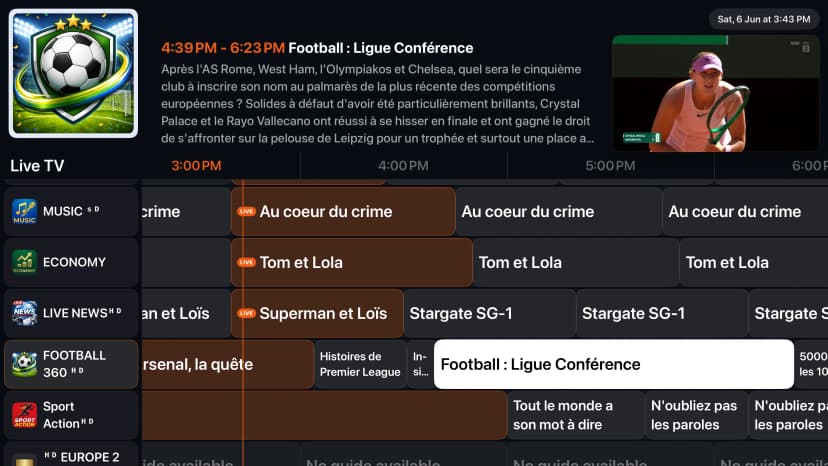
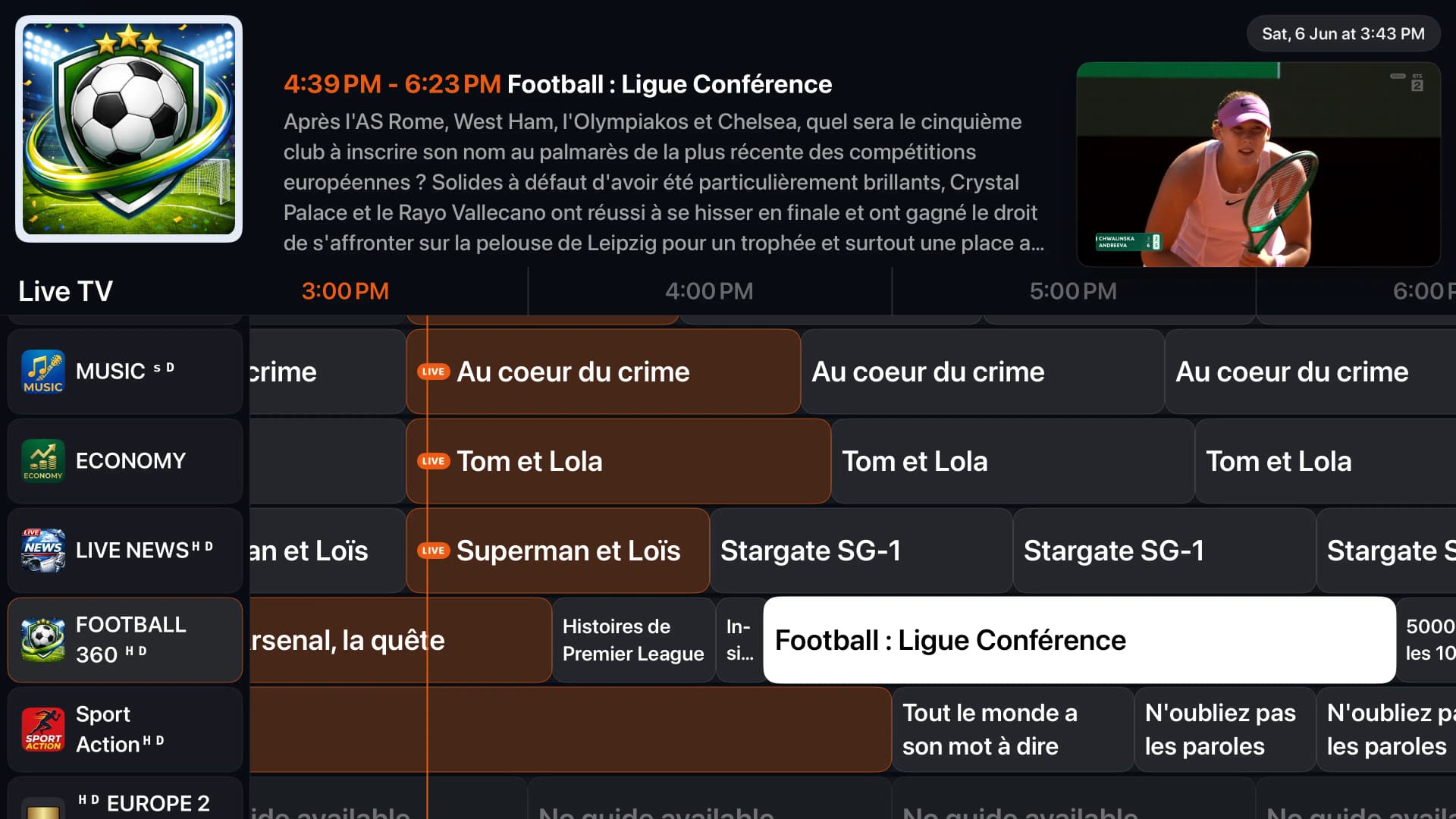
1IPTV is built natively for tvOS and offers the cleanest Apple TV IPTV experience available. It supports M3U, Xtream Codes, and Stalker Portal, with a full Electronic Program Guide, 4K HDR playback, and real-time cloud sync across iPhone, iPad, Mac, and Apple TV. The Siri Remote is fully supported with smooth focus navigation, swipe gestures, and universal search.
2. Chillio — Polished Netflix-Style Player
Chillio offers a polished interface with a Netflix-style layout and supports M3U playlists and Xtream Codes API. It also includes multi-device sync and offline downloads. However, it is not designed specifically for the Apple ecosystem and lacks deep Siri Remote integration.
3. IPTVX — Feature-Rich with Free Tier
IPTVX stands out for its attractive design created by a former Google engineer. It includes Picture in Picture, TV Archive/Catchup, parental controls, and automatic EPG detection. It supports Xtream API, M3U, M3U8, PLEX, and SMB formats. The free tier lets you test before subscribing, but cloud sync is limited.
4. IPTV Smarters — Familiar but Dated
IPTV Smarters is one of the most recognized names in the IPTV space. It offers a clean interface with quick navigation between live TV, movies, and series, plus support for HD and 4K content. However, the tvOS version runs as an iOS app in compatibility mode and lacks native Apple TV polish and cloud synchronization.
Why 1IPTV Is the Best Apple TV IPTV App
Apple TV is designed for the living room, and 1IPTV is designed for Apple TV. Unlike generic cross-platform players, 1IPTV uses native tvOS components, the Siri Remote, and Apple's media frameworks to deliver a premium big-screen experience.
Native tvOS Design
Built with Apple's focus engine and tvOS interface guidelines for smooth navigation with the Siri Remote.
4K HDR & Adaptive Streaming
Hardware-accelerated playback supports 4K, HDR, and adaptive bitrate for buffer-free viewing.
Full EPG & Channel Guide
Browse what's on now and next with a beautiful electronic program guide optimized for the big screen.
Real-Time Cloud Sync
Playlists, favorites, and watch history sync instantly with your iPhone, iPad, and Mac.
Siri Remote Ready
Swipe, click, and use Siri search to find channels and content without typing.
One Subscription, All Devices
A single 1IPTV Premium plan covers up to 10 devices across the entire Apple ecosystem.
How to Install 1IPTV on Apple TV
Installing 1IPTV on your Apple TV 4K or Apple TV HD takes just a few steps. You can also sync your account instantly from your iPhone using a QR code.
Open the App Store
From the home screen of your Apple TV, open the App Store and select the Search tab.
Search for 1IPTV
Type '1IPTV' using the on-screen keyboard or Siri voice search, then select the 1IPTV app from the results.
Install the App
Click Get, then confirm the download. Wait a moment for the app to install on your Apple TV.
Sign In or Add Playlist
Open 1IPTV and sign in with your account to sync everything from the cloud, or add your M3U URL / Xtream Codes credentials manually.
Start Watching
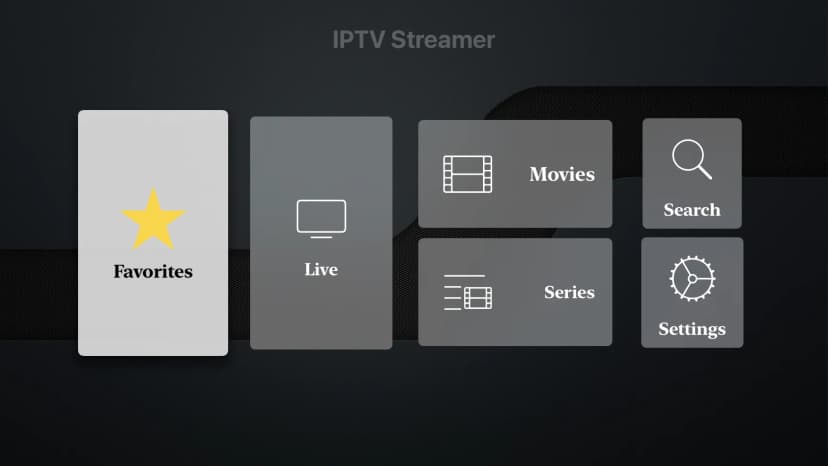
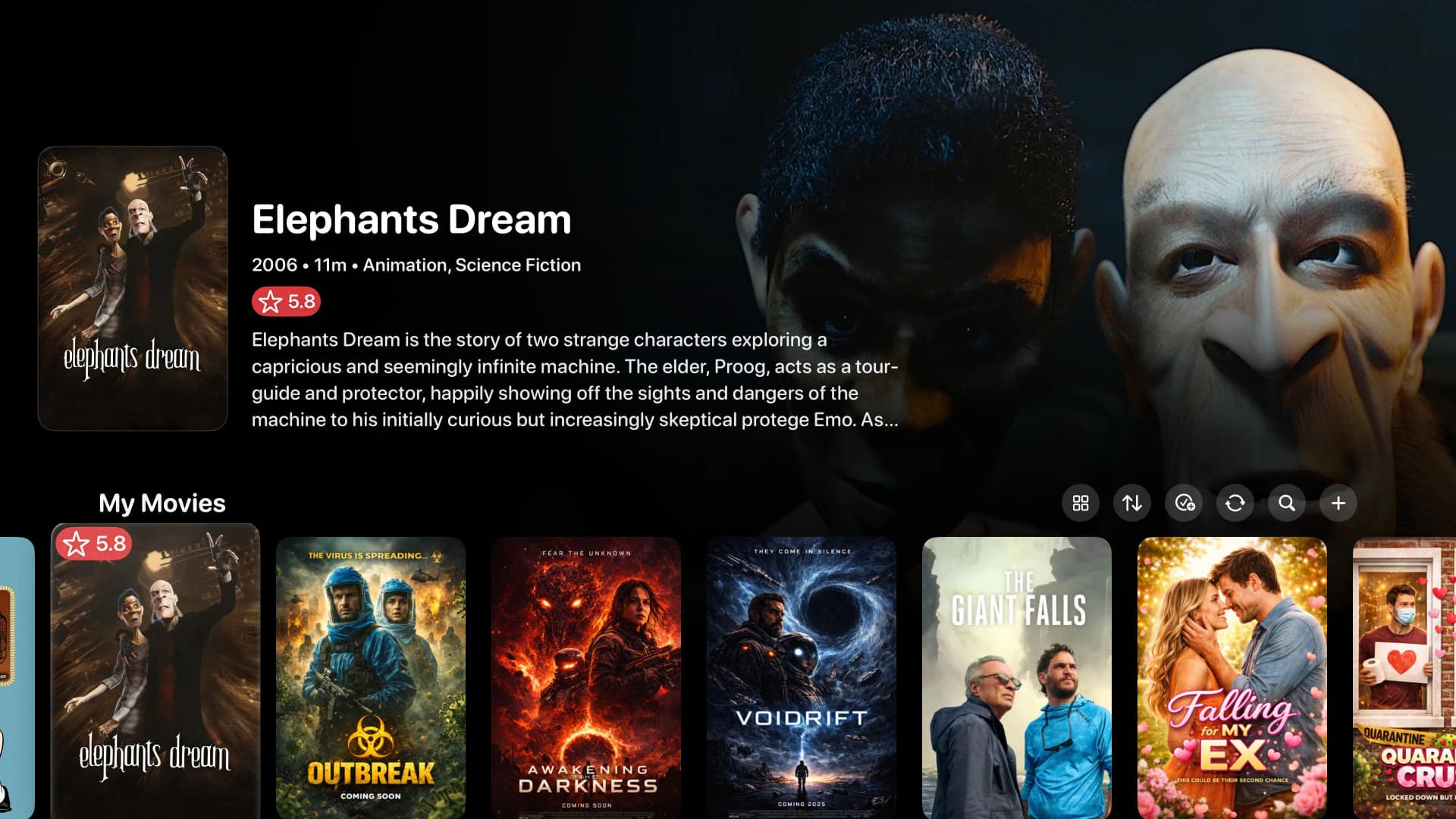
Browse live channels, movies, and series. Your playlists and favorites will stay synced across all your devices.
Free Streaming Apps on Apple TV
If you are looking for free and legal live TV options, Apple TV also supports apps like Sling Freestream, Pluto TV, Plex, Tubi, DistroTV, NBC, and ESPN. These do not require IPTV credentials and offer news, sports, movies, and entertainment at no cost. For users who want full control over their own playlists and premium live channels, a dedicated IPTV player like 1IPTV remains the best choice.
Protect Your Privacy While Streaming
A VPN encrypts your internet connection and protects your privacy when streaming third-party IPTV content. We recommend using a trusted VPN provider on your Apple TV or router to keep your viewing activity private and secure.
Frequently Asked Questions
Can you watch IPTV on Apple TV?
Yes. Apple TV supports several IPTV players from the App Store, including 1IPTV, Chillio, IPTVX, and IPTV Smarters. You need an IPTV subscription with M3U or Xtream Codes credentials.
What is the best IPTV app for Apple TV?
1IPTV is the best IPTV app for Apple TV because it is built natively for tvOS, supports the Siri Remote, offers 4K HDR playback, and syncs playlists across all your Apple devices in real time.
Do you need to jailbreak Apple TV to install IPTV apps?
No. Unlike Fire TV or Android TV, Apple TV does not allow sideloading. All IPTV apps must be downloaded from the official Apple App Store.
Does 1IPTV work on iPhone and iPad too?
Yes. 1IPTV is available on iOS, iPadOS, macOS, tvOS, Android TV, and Fire TV. A single Premium subscription covers up to 10 devices.
Get the Best IPTV Experience on Apple TV
Download 1IPTV from the App Store and enjoy native tvOS playback, cloud sync, and premium features across all your screens.
Download 1IPTV for Apple TV